 DraftDeck
A REAL EXPORT, START TO FINISH
A finished carousel.
The words behind it.
This six-slide example turns a short Markdown draft about better client updates into a branded PDF. Download the output, see how the text is divided, and adapt the structure for your own LinkedIn post.
Free downloads. No account or card. Original DraftDeck sample, not a customer case study. You may use and adapt the example for personal or commercial posts.
From one draft to six slides.
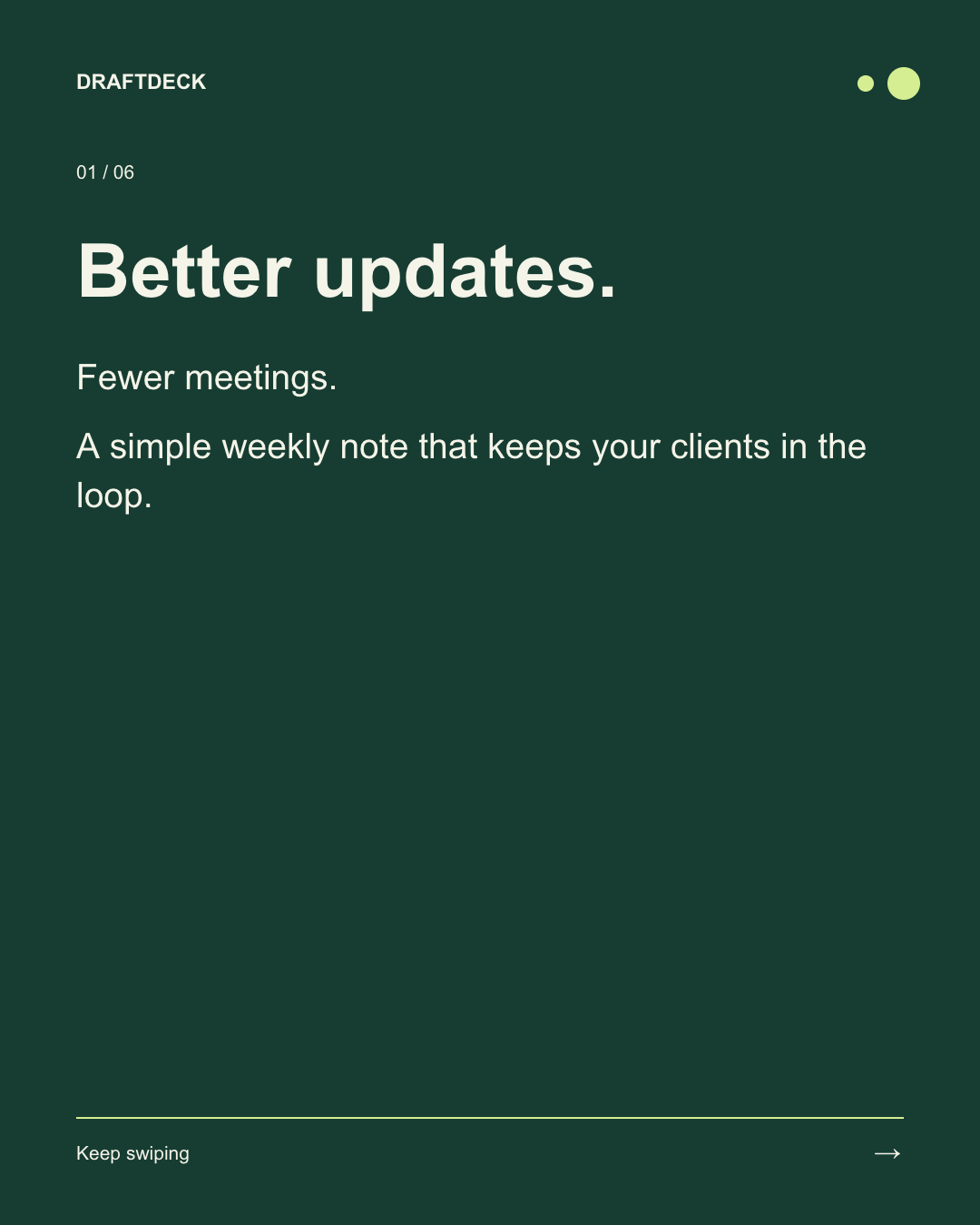
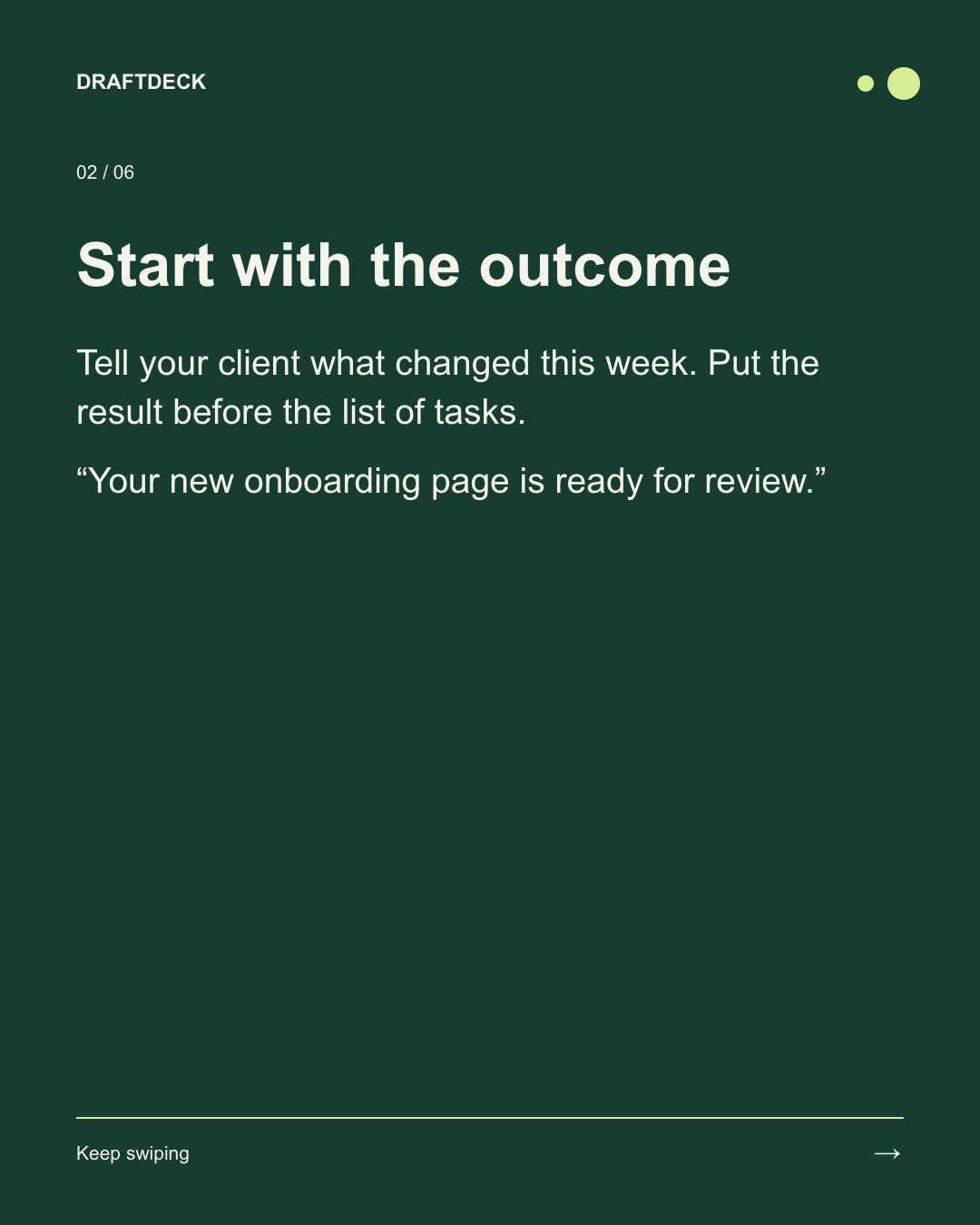
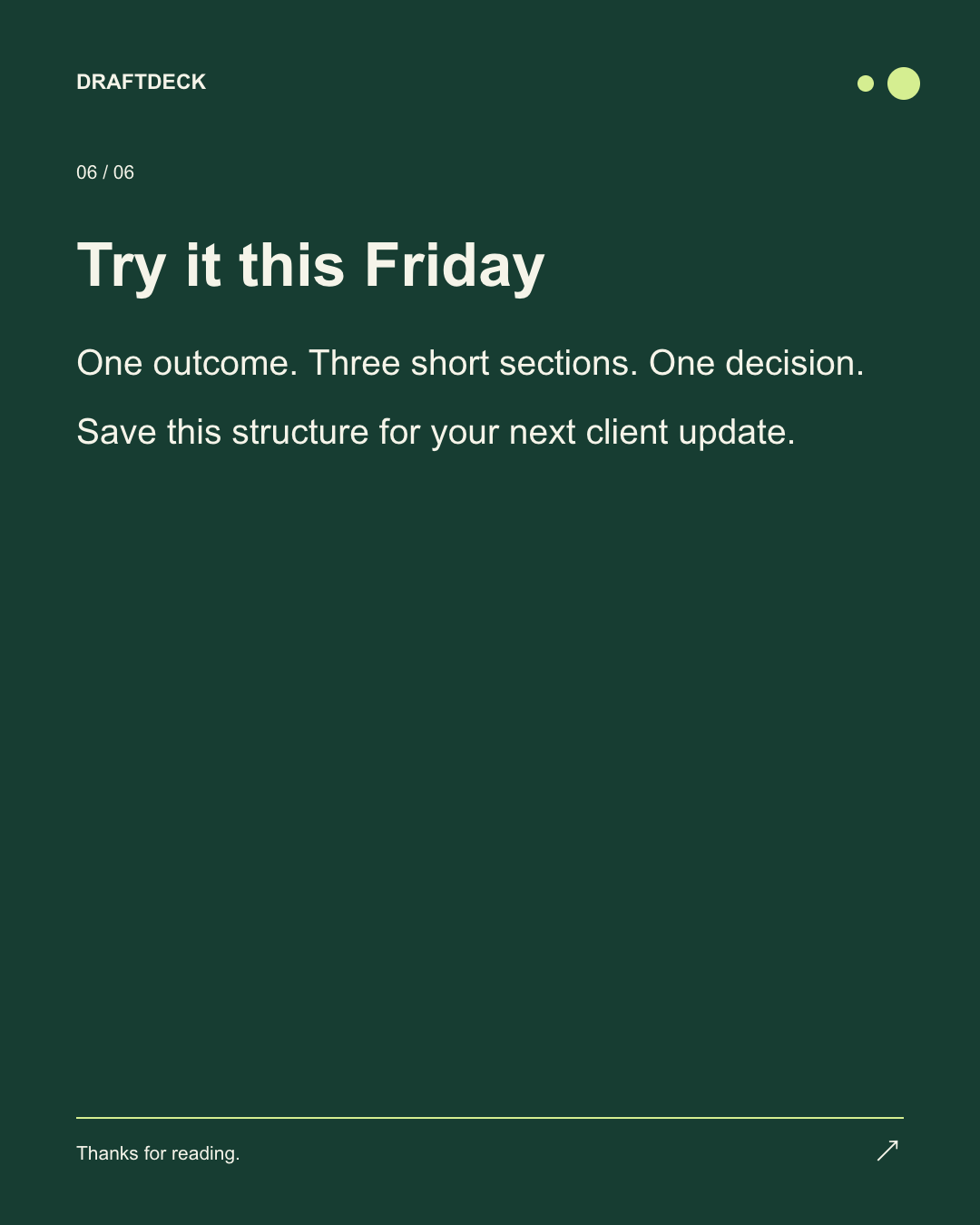
The PDF contains all six slides. Here are the opening, one middle slide and the closing, exported by the actual editor.
Make your own version.
- Open the free editor. DraftDeck starts with this example. If you have a saved draft, download a Markdown backup before replacing it, then choose “Load example.”
- Replace the writing. A line beginning with
#or##starts a slide. Put---on its own line when you want another page break. Long sections continue onto additional slides. - Set your brand. Choose Studio, Paper or Ink, enter your name, and change the accent. Check each slide, including any automatically continued pages.
- Download the PDF. On LinkedIn, create a post, choose the document option, upload your PDF, and add a document title and post description. Preview it before posting.
LinkedIn accepts PDF document posts on desktop and mobile. Its documented limits are 100 MB and 300 pages; DraftDeck has its own smaller limit of 40 slides and 25,000 input characters. See LinkedIn’s upload instructions for the current interface and requirements.
What this example demonstrates.
The first slide introduces one idea. Each following heading gives that idea a separate step, and the last slide asks the reader to try the structure. These are sample writing choices, not a promise of views, engagement or leads.
DraftDeck uses headings and page breaks as structure; it does not rewrite the copy. Other Markdown, including emphasis and links, appears as written. The PDF contains image pages, so its text is not selectable and links in the writing are not clickable. Provide useful context in your accompanying post, and keep the Markdown if you need a text version.
Writing and exports stay in your browser. Free PDF creation needs no account. Pro adds saved brand presets and PNG ZIP exports; see the current price and trial terms. This downloadable example does not require Pro.
Your draft is next.
Paste your own words, preview every page, and export a carousel PDF.
Open the free carousel maker ↗